Unlocking API Capability Reuse: The Ultimate Guide
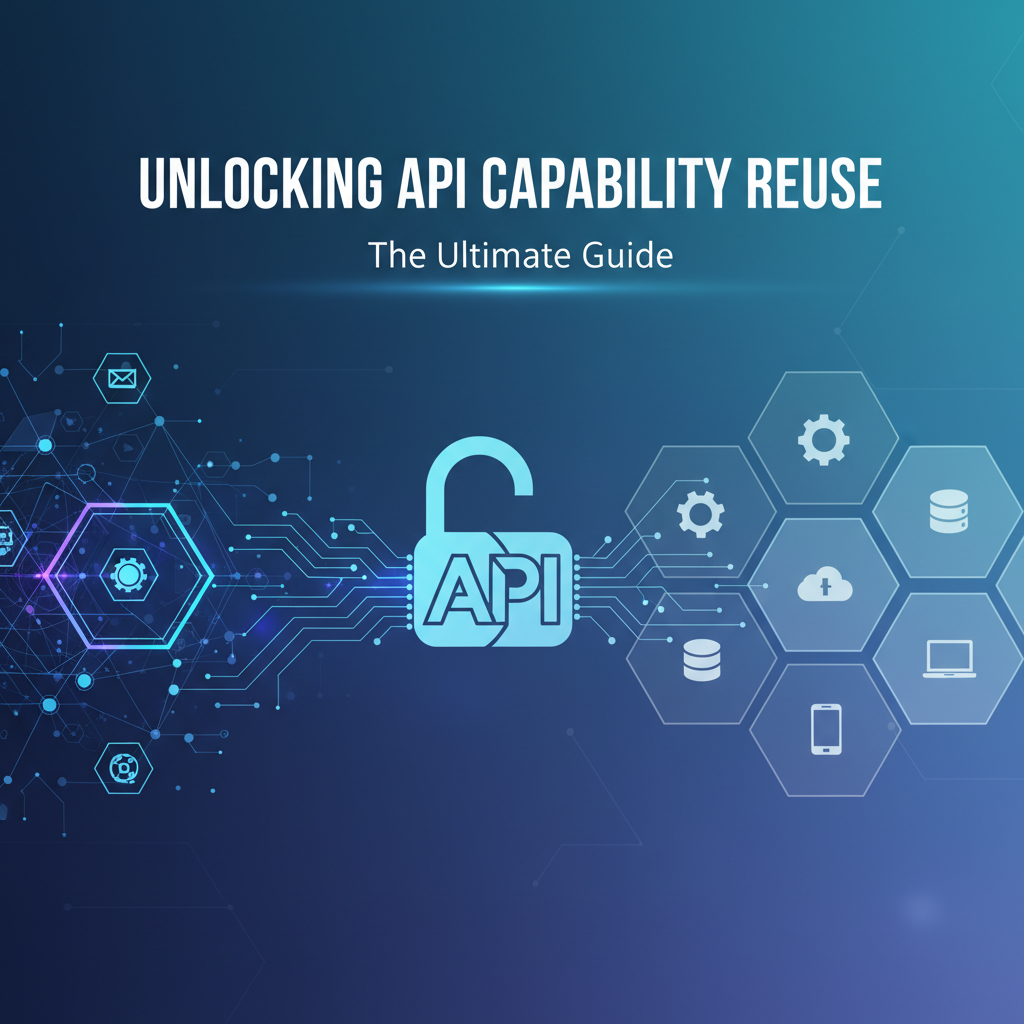
Build AI Agents With Incredible MCP
Introduction
In the rapidly evolving digital landscape, the ability to reuse API capabilities has become a cornerstone of efficient and scalable software development. As businesses seek to leverage technology to gain a competitive edge, the concept of API capability reuse has emerged as a key strategy for maximizing efficiency and reducing costs. This guide delves into the world of Model Context Protocol (MCP), API capability reuse, and API integration platforms, providing a comprehensive overview and actionable insights to help you unlock the full potential of your digital assets.
Understanding MCP and API Capability Reuse
What is MCP?
Model Context Protocol (MCP) is a cutting-edge technology designed to streamline the integration process between AI Agents and various data sources and tools. By providing a standardized framework for communication, MCP enables rapid and efficient connectivity, allowing AI Agents to access and utilize a vast array of resources with minimal configuration.
The Importance of API Capability Reuse
API capability reuse refers to the practice of leveraging existing APIs to perform specific functions within new applications, rather than developing these functions from scratch. This approach offers several benefits:
- Cost Efficiency: Reusing APIs reduces the need for extensive development resources, saving both time and money.
- Time-to-Market: Leveraging existing APIs accelerates the development process, allowing businesses to bring products to market faster.
- Consistency: Reusing proven APIs ensures consistent performance and reliability across applications.
The Role of API Integration Platforms
API integration platforms play a crucial role in facilitating API capability reuse. These platforms provide a centralized hub for managing, publishing, and consuming APIs, making it easier for developers to discover and integrate the resources they need.
Key Features of API Integration Platforms
- API Discovery: Platforms like XPack.AI offer extensive API catalogs, making it easier to find and evaluate potential resources.
- Documentation and Support: Comprehensive documentation and developer support ensure that developers can effectively utilize APIs.
- Governance and Security: Robust governance and security features protect sensitive data and ensure compliance with industry standards.
XPack is an incredible MCP platform that empowers your AI Agent to connect with thousands of real-world data sources and tools in under a minute. Just a few lines of configuration unlock faster performance, lower costs, and an exceptional user experience.Try XPack now! 👇👇👇
Best Practices for API Capability Reuse
1. Evaluate API Quality
Before reusing an API, it's crucial to evaluate its quality. Consider factors such as performance, reliability, and ease of integration.
2. Choose the Right API Integration Platform
Select an API integration platform that aligns with your business needs and offers a wide range of APIs and tools.
3. Implement Robust Testing
Thoroughly test APIs to ensure they work as expected and integrate seamlessly with your application.
4. Monitor and Maintain APIs
Regularly monitor API performance and usage, and update them as needed to ensure they remain reliable and effective.
Case Studies: Successful API Capability Reuse
Case Study 1: E-commerce Platform
An e-commerce platform implemented an API for payment processing, allowing customers to make purchases with ease. By reusing this API across multiple applications, the company saved significant development time and resources.
Case Study 2: Healthcare Provider
A healthcare provider utilized an API for patient data management, enabling seamless sharing of information between different departments. This API capability reuse improved efficiency and patient care.
Data Analysis: The Impact of API Capability Reuse
According to a study by Gartner, organizations that effectively leverage API capability reuse can achieve a 30% reduction in development costs and a 20% improvement in time-to-market.
Conclusion
Unlocking API capability reuse is a powerful strategy for businesses looking to enhance their digital capabilities. By understanding MCP, leveraging API integration platforms, and following best practices, organizations can maximize the value of their digital assets and drive innovation.
FAQ
Q1: What is the difference between API capability reuse and API integration?
A1: API capability reuse involves leveraging existing APIs to perform specific functions within new applications, while API integration focuses on the process of connecting different APIs to work together.
Q2: How can I ensure the quality of APIs I reuse?
A2: Evaluate APIs based on factors such as performance, reliability, and ease of integration. Utilize API integration platforms that offer comprehensive testing and support.
Q3: What are the benefits of using an API integration platform?
A3: API integration platforms provide a centralized hub for API discovery, documentation, support, and governance, making it easier to manage and leverage APIs effectively.
Q4: Can API capability reuse improve my business's time-to-market?
A4: Yes, leveraging existing APIs can significantly reduce development time and resources, allowing you to bring products to market faster.
Q5: How can I ensure the security of my API integrations?
A5: Implement robust security measures, such as authentication and encryption, and regularly monitor API usage to detect and address potential vulnerabilities.
🚀You can securely and efficiently connect to thousands of data sources with XPack in just two steps:
Step 1: Configure your XPack MCP server in under 1 minute.
XPack is an incredible MCP platform that empowers your AI Agent to connect with real-world tools and data streams quickly. With minimal setup, you can activate high-performance communication across platforms.
Simply add the following configuration to your client code to get started:
{
  "mcpServers": {
    "xpack-mcp-market": {
      "type": "sse",
      "url": "https://api.xpack.ai/v1/mcp?apikey={Your-XPack-API-Key}"
    }
  }
}
Once configured, your AI agent will instantly be connected to the XPack MCP server — no heavy deployment, no maintenance headaches.

Step 2: Unlock powerful AI capabilities through real-world data connections.
Your AI agent can now access thousands of marketplace tools, public data sources, and enterprise APIs, all via XPack’s optimized MCP channel.