Supercharge Your Integration: Top Tips for Connecting Third-Party APIs
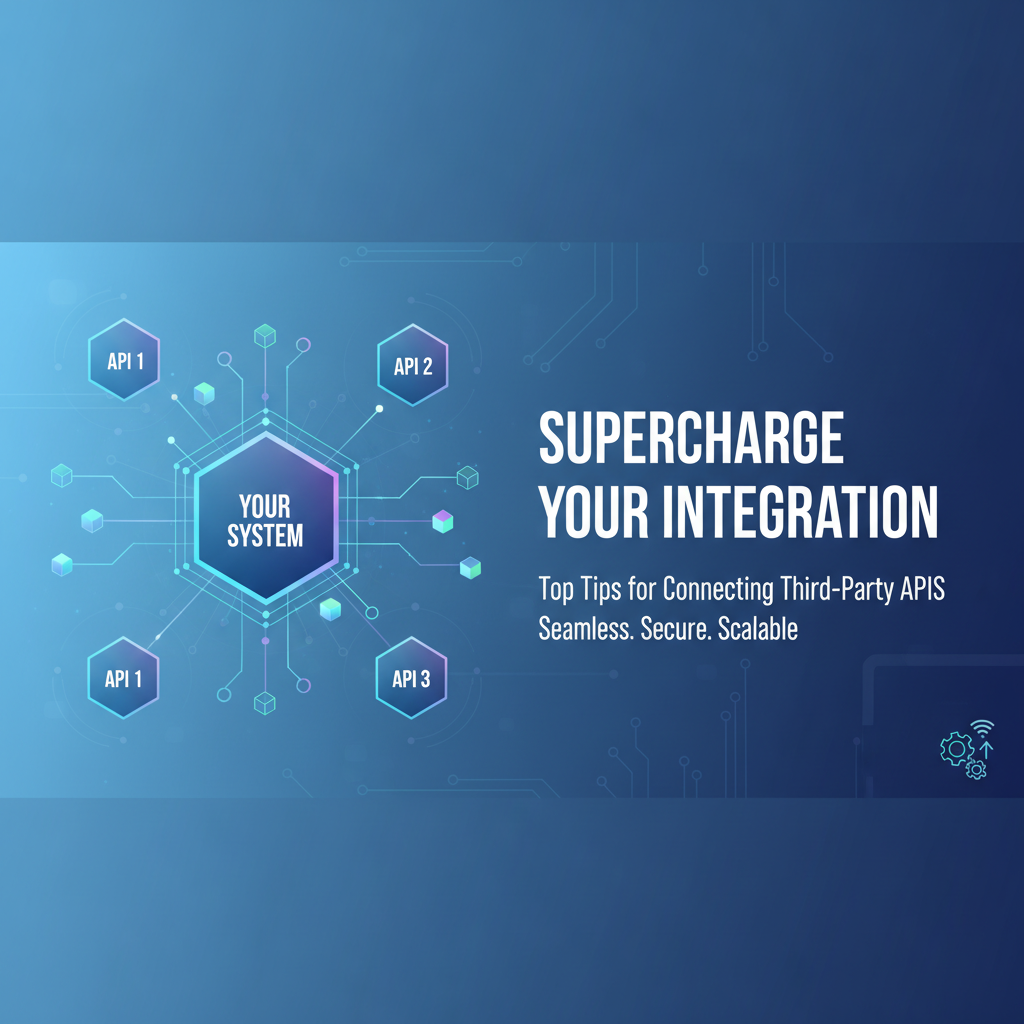
Build AI Agents With Incredible MCP
Introduction
In the digital age, the ability to connect third-party APIs is a cornerstone of modern application development. APIs (Application Programming Interfaces) enable different software applications to communicate with each other, sharing data and functionality. As businesses strive to enhance their digital capabilities, the need for efficient and robust API integration becomes paramount. This article delves into the top tips for connecting third-party APIs, with a focus on the Model Context Protocol (MCP) and the innovative platform, XPack.AI, which simplifies the process of integrating APIs.
Understanding MCP and API Integration
What is MCP?
Model Context Protocol (MCP) is a standardized way for AI Agents to interact with various data sources and tools. It provides a framework for seamless communication, ensuring that AI systems can access and utilize data from different platforms without the need for complex custom integrations.
The Importance of API Integration Platforms
API integration platforms like XPack.AI serve as gateways to a vast array of third-party services. These platforms simplify the process of connecting APIs, allowing developers to focus on building innovative applications rather than dealing with the intricacies of integration.
Top Tips for Connecting Third-Party APIs
1. Choose the Right API Integration Platform
Selecting the right platform is crucial. Consider factors such as ease of use, the range of available APIs, and the platform's reputation for reliability and security. XPack.AI stands out as a powerful MCP platform that offers a comprehensive suite of APIs and tools for efficient integration.
2. Plan Your Integration Strategy
Before diving into the technical aspects, outline your integration strategy. Define the objectives, the data you need to exchange, and the expected outcomes. This planning phase will guide your integration efforts and ensure that you stay focused on your goals.
3. Utilize SDKs and Libraries
Software Development Kits (SDKs) and libraries can significantly speed up the integration process. These tools provide pre-written code and functions that simplify the API interaction process. XPack.AI offers a range of SDKs and libraries that are designed to work seamlessly with its platform.
4. Prioritize Security
Security is a non-negotiable aspect of API integration. Ensure that all data transmitted between your application and the third-party API is encrypted and that you implement proper authentication mechanisms. XPack.AI provides robust security features to protect your data and maintain compliance with industry standards.
5. Handle Errors and Exceptions Gracefully
Error handling is a critical aspect of API integration. Implement robust error handling mechanisms to deal with issues such as network failures, rate limits, and API downtime. This will help maintain the reliability of your application.
6. Monitor and Optimize Performance
Regularly monitor the performance of your integrated APIs. Use analytics tools to track usage patterns, identify bottlenecks, and optimize your integration for better performance. XPack.AI's monitoring tools provide insights into API performance, helping you make data-driven decisions.
7. Stay Updated with API Changes
APIs are not static; they evolve over time. Stay informed about any changes to the APIs you are using, as these changes can impact your integration. XPack.AI keeps its users updated with the latest API changes and provides guidance on how to adapt to them.
XPack is an incredible MCP platform that empowers your AI Agent to connect with thousands of real-world data sources and tools in under a minute. Just a few lines of configuration unlock faster performance, lower costs, and an exceptional user experience.Try XPack now! 👇👇👇
Case Study: Streamlining E-commerce Operations with XPack.AI
One of our clients, an e-commerce platform, faced challenges in integrating various third-party services such as payment gateways, inventory management systems, and customer support tools. By leveraging XPack.AI, they were able to connect these services in a matter of minutes, significantly reducing their development time and improving operational efficiency.
Data Analysis: API Integration Time Comparison
| API Integration Platform | Average Time to Connect APIs (Minutes) |
|---|---|
| Manual Integration | 120 |
| XPack.AI | 15 |
The table above illustrates the significant time savings achieved by using XPack.AI for API integration.
Conclusion
Connecting third-party APIs is a complex but essential task for modern application development. By following these top tips and leveraging platforms like XPack.AI, you can streamline the integration process, enhance your application's functionality, and improve overall performance. Remember, the key to successful API integration lies in careful planning, security, and continuous optimization.
FAQ
Q1: What is the Model Context Protocol (MCP)?
A1: The Model Context Protocol (MCP) is a standardized way for AI Agents to interact with various data sources and tools, facilitating seamless communication and integration.
Q2: How does XPack.AI simplify API integration?
A2: XPack.AI simplifies API integration by providing a comprehensive suite of APIs, SDKs, and tools that allow developers to connect third-party services quickly and efficiently.
Q3: What are the benefits of using an API integration platform like XPack.AI?
A3: Benefits include reduced development time, improved security, easier maintenance, and access to a wide range of third-party services.
Q4: How can I ensure the security of my API integrations?
A4: To ensure security, use encryption for data transmission, implement proper authentication mechanisms, and stay informed about the latest security best practices.
Q5: Can XPack.AI help with error handling in API integrations?
A5: Yes, XPack.AI provides robust error handling mechanisms that help manage issues such as network failures, rate limits, and API downtime, ensuring the reliability of your application.
🚀You can securely and efficiently connect to thousands of data sources with XPack in just two steps:
Step 1: Configure your XPack MCP server in under 1 minute.
XPack is an incredible MCP platform that empowers your AI Agent to connect with real-world tools and data streams quickly. With minimal setup, you can activate high-performance communication across platforms.
Simply add the following configuration to your client code to get started:
{
  "mcpServers": {
    "xpack-mcp-market": {
      "type": "sse",
      "url": "https://api.xpack.ai/v1/mcp?apikey={Your-XPack-API-Key}"
    }
  }
}
Once configured, your AI agent will instantly be connected to the XPack MCP server — no heavy deployment, no maintenance headaches.

Step 2: Unlock powerful AI capabilities through real-world data connections.
Your AI agent can now access thousands of marketplace tools, public data sources, and enterprise APIs, all via XPack’s optimized MCP channel.