Revolutionize Your Tech Stack: Ultimate API Integration Platform Guide
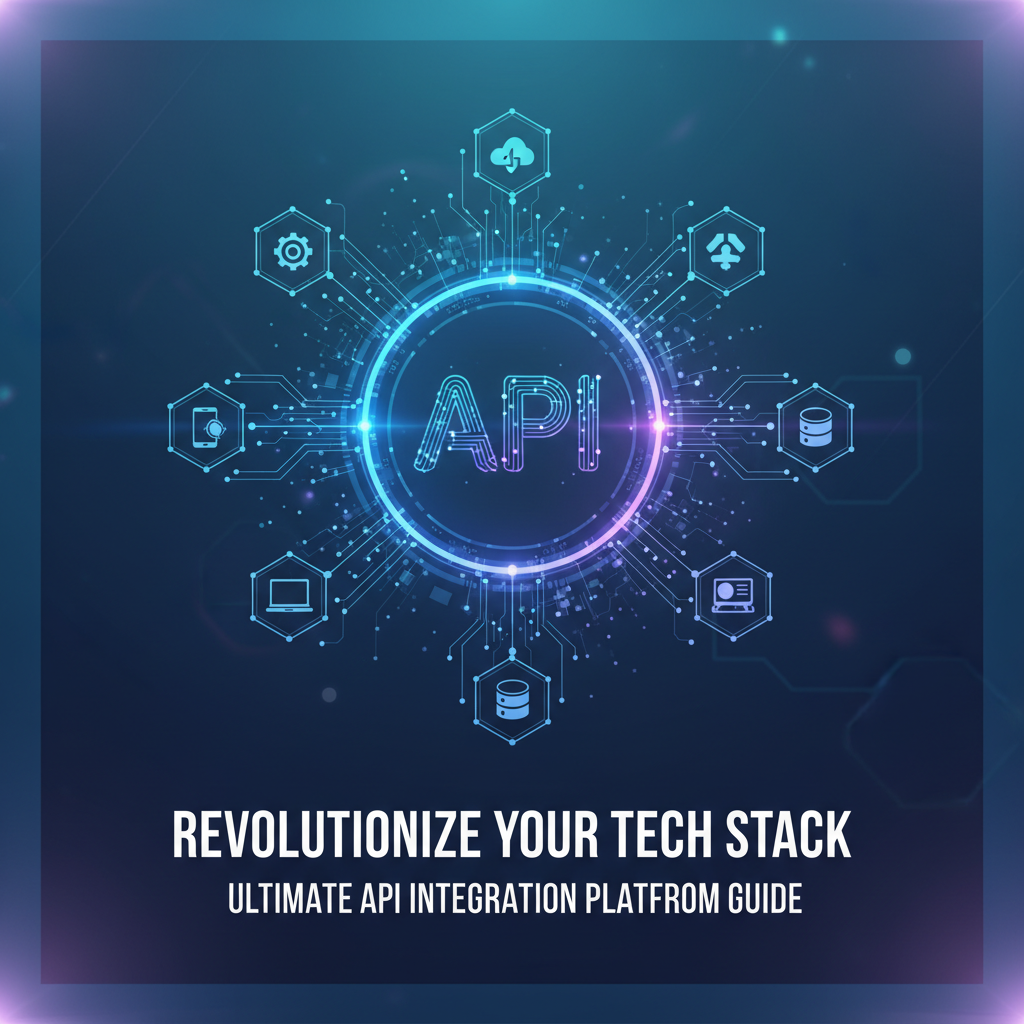
Build AI Agents With Incredible MCP
Introduction
In the rapidly evolving world of technology, businesses are constantly seeking ways to streamline operations, enhance productivity, and stay ahead of the competition. One of the key components in achieving these goals is a robust API integration platform. This guide will delve into the importance of Model Context Protocol (MCP) in API integration, explore the features and benefits of a top-tier API integration platform, and provide actionable advice for choosing the right solution for your business. We will also highlight the capabilities of XPack.AI, a leading MCP platform that empowers organizations to connect with a vast array of data sources and tools with ease.
Understanding MCP and API Integration
What is MCP?
Model Context Protocol (MCP) is a revolutionary technology that enables seamless communication between AI Agents and various data sources. By using MCP, businesses can create a unified ecosystem where different systems and applications can interact and share information effortlessly.
The Role of API Integration Platforms
API integration platforms act as the backbone of modern tech stacks, facilitating the connection between different software applications. These platforms allow businesses to integrate various services, streamline data flow, and automate processes, ultimately leading to improved efficiency and innovation.
Key Features of an API Integration Platform
1. Robust Connectivity
A top-tier API integration platform should offer extensive connectivity options, allowing businesses to integrate with a wide range of services and data sources. This includes everything from popular cloud services to legacy systems.
2. Flexible Configuration
The platform should provide a user-friendly interface for configuring connections and mappings, enabling non-technical users to set up integrations without the need for extensive coding knowledge.
3. Real-time Data Processing
Real-time data processing capabilities are essential for businesses that require up-to-date information to make informed decisions. An API integration platform should support real-time data synchronization and processing.
4. Security and Compliance
Security is a top priority in today's digital landscape. The platform should offer robust security features, including encryption, authentication, and compliance with industry standards.
5. Scalability
As businesses grow, their integration needs will evolve. An API integration platform should be scalable, allowing for easy expansion and adaptation to changing requirements.
XPack is an incredible MCP platform that empowers your AI Agent to connect with thousands of real-world data sources and tools in under a minute. Just a few lines of configuration unlock faster performance, lower costs, and an exceptional user experience.Try XPack now! 👇👇👇
Choosing the Right API Integration Platform
1. Assess Your Business Needs
Before selecting an API integration platform, it's crucial to assess your business needs. Consider factors such as the number of integrations required, the complexity of your tech stack, and your budget.
2. Evaluate Platform Features
Compare the features and capabilities of different API integration platforms. Look for a platform that offers the functionalities you need, such as robust connectivity, flexible configuration, and real-time data processing.
3. Consider User Experience
A user-friendly interface can significantly impact the success of your integration projects. Choose a platform that offers an intuitive and easy-to-use interface.
4. Check for Support and Community
A strong support system and an active community can be invaluable resources when implementing and maintaining an API integration platform. Look for platforms with comprehensive documentation, training resources, and a supportive user community.
Case Study: Transforming Operations with X-Pack.AI
XPack.AI is a cutting-edge MCP platform that has helped numerous businesses revolutionize their tech stacks. Let's take a look at a case study to understand how X-Pack.AI has transformed operations for one of its clients.
Client: Tech Innovations, Inc.
Tech Innovations, Inc. is a mid-sized tech company that needed to integrate various data sources and tools to streamline its operations. The company was facing challenges with data silos, inefficient workflows, and limited real-time data access.
Solution: X-Pack.AI
After evaluating several API integration platforms, Tech Innovations, Inc. chose X-Pack.AI. The platform's robust connectivity, flexible configuration, and real-time data processing capabilities made it the ideal choice for the company.
Results
With X-Pack.AI, Tech Innovations, Inc. was able to:
- Integrate over 20 data sources and tools within a month
- Streamline workflows, reducing manual data entry by 40%
- Achieve real-time data access, enabling faster decision-making
- Improve overall operational efficiency by 30%
Conclusion
Choosing the right API integration platform can revolutionize your tech stack and drive business growth. By understanding the importance of MCP and API integration, evaluating platform features, and considering user experience, you can select a solution that meets your business needs. XPack.AI is a powerful MCP platform that can help you achieve seamless connectivity and real-time data processing, enabling your organization to thrive in the digital age.
FAQ
Q1: What is the difference between an API and an API integration platform?
An API (Application Programming Interface) is a set of rules and protocols that allows different software applications to communicate with each other. An API integration platform is a tool that enables businesses to connect various APIs and data sources, streamline data flow, and automate processes.
Q2: How can MCP benefit my business?
MCP (Model Context Protocol) enables seamless communication between AI Agents and data sources, allowing for a more integrated and efficient tech stack. By using MCP, businesses can streamline operations, enhance productivity, and make informed decisions based on real-time data.
Q3: What are the key features to look for in an API integration platform?
When choosing an API integration platform, look for features such as robust connectivity, flexible configuration, real-time data processing, security and compliance, and scalability.
Q4: How can I ensure a successful API integration project?
To ensure a successful API integration project, it's crucial to assess your business needs, evaluate platform features, consider user experience, and check for support and community resources.
Q5: Why should I choose XPack.AI for my API integration needs?
XPack.AI is a leading MCP platform that offers robust connectivity, flexible configuration, and real-time data processing capabilities. With X-Pack.AI, you can achieve seamless connectivity and real-time data processing, enabling your organization to thrive in the digital age.
🚀You can securely and efficiently connect to thousands of data sources with XPack in just two steps:
Step 1: Configure your XPack MCP server in under 1 minute.
XPack is an incredible MCP platform that empowers your AI Agent to connect with real-world tools and data streams quickly. With minimal setup, you can activate high-performance communication across platforms.
Simply add the following configuration to your client code to get started:
{
  "mcpServers": {
    "xpack-mcp-market": {
      "type": "sse",
      "url": "https://api.xpack.ai/v1/mcp?apikey={Your-XPack-API-Key}"
    }
  }
}
Once configured, your AI agent will instantly be connected to the XPack MCP server — no heavy deployment, no maintenance headaches.

Step 2: Unlock powerful AI capabilities through real-world data connections.
Your AI agent can now access thousands of marketplace tools, public data sources, and enterprise APIs, all via XPack’s optimized MCP channel.