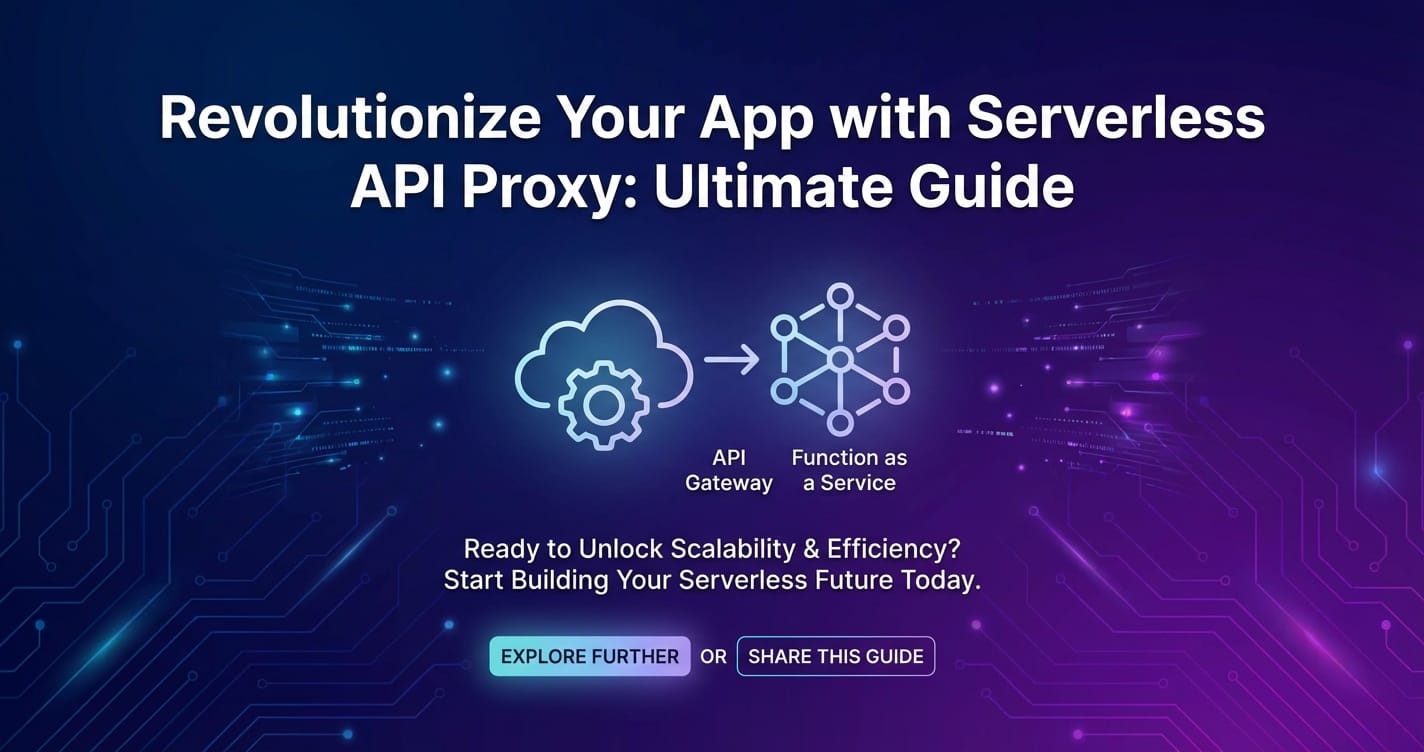
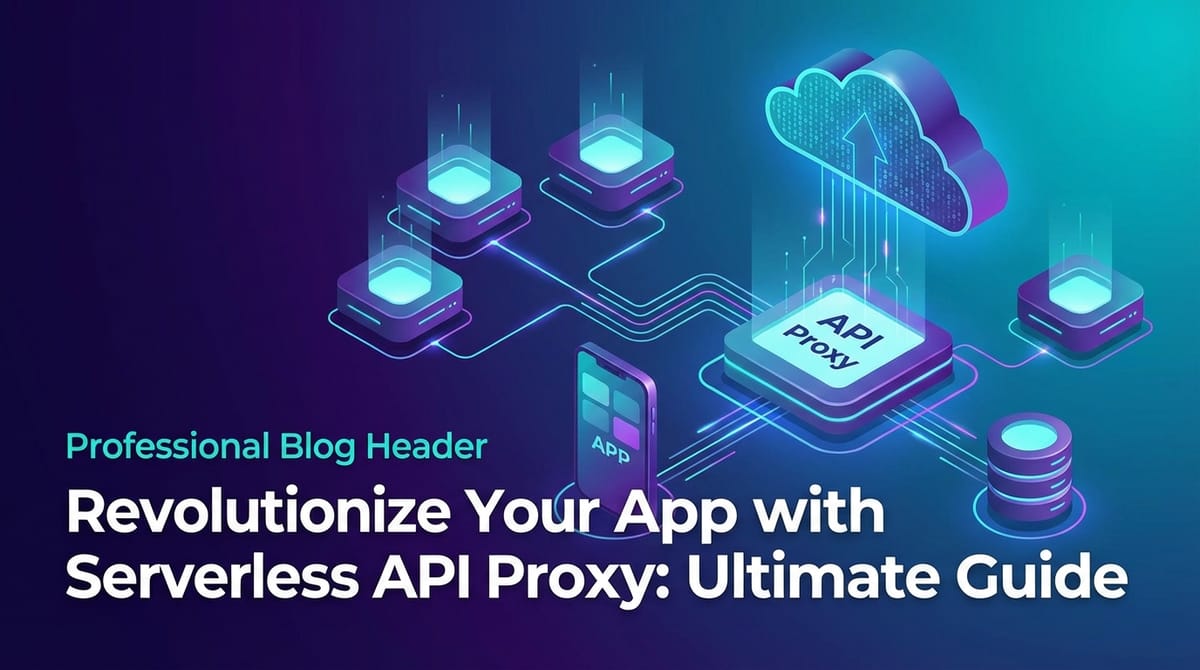
Revolutionize Your App with Serverless API Proxy: Ultimate Guide
Build AI Agents With Incredible MCP
Introduction
In the rapidly evolving landscape of software development, the demand for scalable, efficient, and cost-effective solutions has never been higher. Serverless API Proxies have emerged as a game-changer, enabling developers to build robust applications without the overhead of managing servers. This guide will delve into the intricacies of Serverless API Proxies, their benefits, implementation strategies, and how to leverage the cutting-edge Model Context Protocol (MCP) service to enhance your application's capabilities. We will also explore the power of XPack.AI, a leading platform for implementing Serverless API Proxies.
Understanding Serverless API Proxies
What is a Serverless API Proxy?
A Serverless API Proxy is a service that allows developers to create, manage, and secure APIs without the need to provision or manage any servers. It abstracts the complexity of server management, enabling developers to focus on writing code and delivering value to their users.
Key Benefits
- Scalability: Serverless API Proxies automatically scale based on demand, ensuring your application can handle high traffic without interruption.
- Cost-Effectiveness: You pay only for the compute time you consume, making it an affordable solution for applications with varying usage patterns.
- Simplicity: With less infrastructure to manage, developers can spend more time on innovation rather than on maintenance.
Implementing a Serverless API Proxy
Choosing the Right Platform
When implementing a Serverless API Proxy, selecting the right platform is crucial. Consider the following factors:
- Integration Capabilities: Ensure the platform can integrate with your existing systems and services.
- Performance: Look for a platform that offers high throughput and low latency.
- Security: Choose a platform with robust security features to protect your data and API.
Setting Up Your API Proxy
- Define Your API: Outline the endpoints, request/response formats, and authentication methods.
- Configure the Proxy: Set up routing rules, caching, and security policies.
- Deploy: Deploy your API Proxy to the chosen platform.
Leveraging the MCP Service
The Model Context Protocol (MCP) service is a powerful tool for enhancing the functionality of your Serverless API Proxy. It enables your application to connect with thousands of real-world data sources and tools in under a minute, providing faster performance and a superior user experience.
How MCP Service Works
- Integration: Connect your API Proxy with the MCP service.
- Data Access: Access a vast array of data sources and tools through the MCP service.
- Enhanced Functionality: Leverage the additional data and tools to enhance your application's capabilities.
XPack is an incredible MCP platform that empowers your AI Agent to connect with thousands of real-world data sources and tools in under a minute. Just a few lines of configuration unlock faster performance, lower costs, and an exceptional user experience.Try XPack now! 👇👇👇
Case Studies
Case Study 1: E-commerce Platform
An e-commerce platform used a Serverless API Proxy to streamline its product search functionality. By integrating the MCP service, the platform was able to provide real-time recommendations based on user preferences and historical data, significantly improving the user experience.
Case Study 2: Healthcare Application
A healthcare application utilized a Serverless API Proxy to manage patient data. The MCP service allowed the application to access medical records from various sources, ensuring accurate and up-to-date information for healthcare providers.
Data Analysis
The following table compares the performance of traditional server-based APIs and Serverless API Proxies:
| Feature | Traditional Server-Based API | Serverless API Proxy |
|---|---|---|
| Scalability | Limited by server capacity | Automatic scaling |
| Cost | Fixed costs | Pay-as-you-go |
| Latency | High | Low |
| Maintenance | High | Minimal |
Best Practices for Serverless API Proxies
- Optimize API Design: Design your API with scalability in mind, using RESTful principles and versioning.
- Implement Security Measures: Use HTTPS, rate limiting, and authentication to protect your API.
- Monitor and Log: Monitor your API's performance and log errors to identify and resolve issues quickly.
Conclusion
Serverless API Proxies offer a powerful and efficient way to build scalable, cost-effective applications. By leveraging the MCP service and platforms like XPack.AI, developers can enhance their applications with real-world data and tools, delivering a superior user experience. This guide has provided an overview of Serverless API Proxies, their benefits, implementation strategies, and best practices. As you embark on your Serverless API Proxy journey, remember to stay informed about the latest trends and technologies to keep your application ahead of the curve.
FAQ
What is the difference between a traditional API and a Serverless API Proxy?
A traditional API requires developers to manage servers, whereas a Serverless API Proxy abstracts this complexity, allowing developers to focus on writing code.
How does the MCP service benefit my application?
The MCP service enables your application to connect with a vast array of data sources and tools, providing faster performance and a superior user experience.
Can I use a Serverless API Proxy with any programming language?
Yes, most Serverless API Proxy platforms support a wide range of programming languages, making it easy to integrate with your existing codebase.
How do I choose the right Serverless API Proxy platform?
Consider factors such as integration capabilities, performance, security, and cost when selecting a Serverless API Proxy platform.
Can I use XPack.AI with my existing application?
Yes, XPack.AI is designed to work with a wide range of applications, making it easy to integrate with your existing infrastructure.
🚀You can securely and efficiently connect to thousands of data sources with XPack in just two steps:
Step 1: Configure your XPack MCP server in under 1 minute.
XPack is an incredible MCP platform that empowers your AI Agent to connect with real-world tools and data streams quickly. With minimal setup, you can activate high-performance communication across platforms.
Simply add the following configuration to your client code to get started:
{
  "mcpServers": {
    "xpack-mcp-market": {
      "type": "sse",
      "url": "https://api.xpack.ai/v1/mcp?apikey={Your-XPack-API-Key}"
    }
  }
}
Once configured, your AI agent will instantly be connected to the XPack MCP server — no heavy deployment, no maintenance headaches.

Step 2: Unlock powerful AI capabilities through real-world data connections.
Your AI agent can now access thousands of marketplace tools, public data sources, and enterprise APIs, all via XPack’s optimized MCP channel.