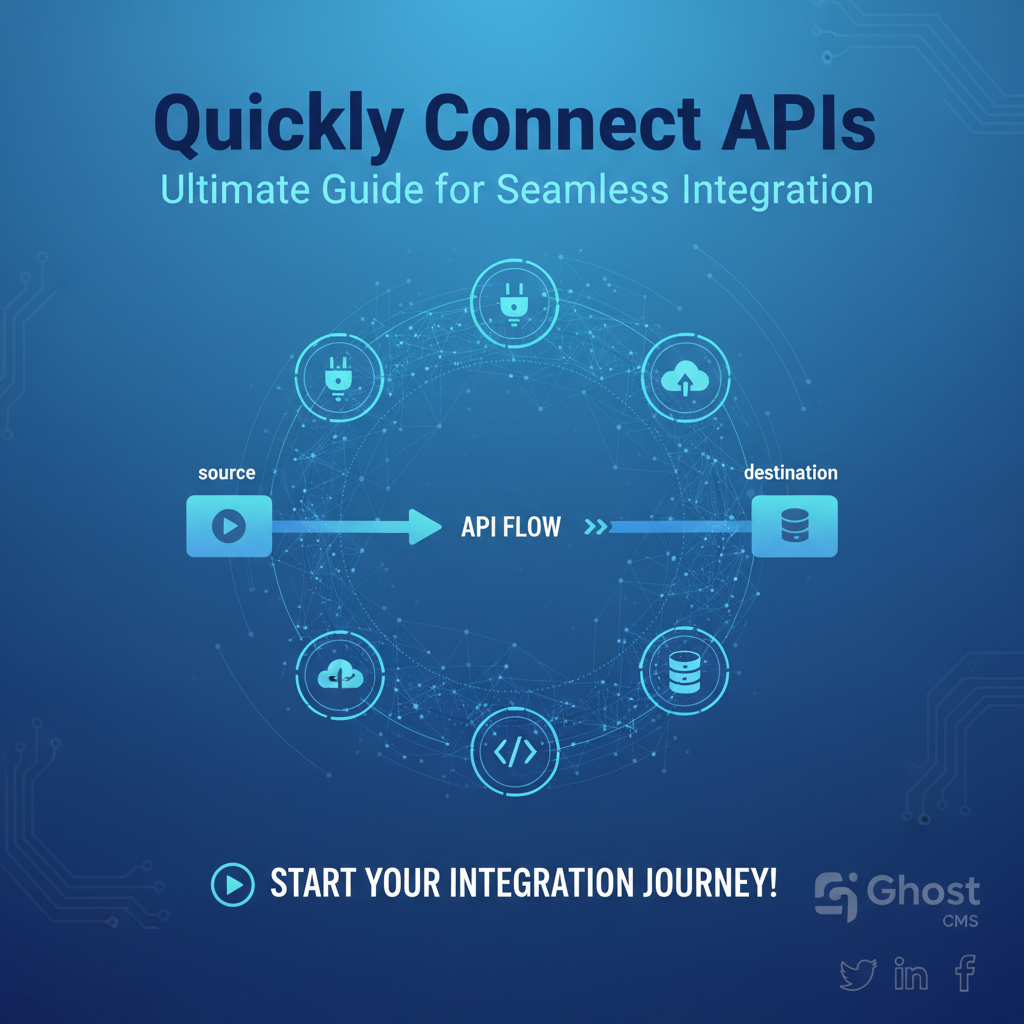
Quickly Connect APIs: Ultimate Guide for Seamless Integration
Build AI Agents With Incredible MCP
Introduction
In the rapidly evolving digital landscape, APIs (Application Programming Interfaces) have become the lifeblood of modern applications. They enable different software systems to communicate and share data, fostering innovation and efficiency. However, the process of integrating APIs can be complex and time-consuming. This guide will delve into the world of API integration platforms, specifically focusing on the Model Context Protocol (MCP), and provide a comprehensive overview on how to quickly connect APIs for seamless integration.
Understanding MCP and Its Role in API Integration
What is MCP?
The Model Context Protocol (MCP) is a cutting-edge protocol designed to simplify the process of connecting APIs. It serves as a bridge between different systems, allowing them to communicate effectively with minimal configuration and setup time.
Benefits of Using MCP
- Faster Integration: MCP reduces the time required to connect APIs by automating many of the manual steps involved.
- Reduced Costs: By streamlining the integration process, MCP can help businesses save on development and maintenance costs.
- Superior User Experience: With MCP, users can enjoy a seamless experience when connecting and using APIs.
The Evolution of API Integration Platforms
Over the years, API integration platforms have evolved significantly. From basic gateways to sophisticated protocols like MCP, the industry has seen a shift towards ease and efficiency.
Early Integration Tools
- SOAP and REST: Early API integration tools were based on SOAP and REST protocols, which required extensive coding and configuration.
- Middleware: Middleware solutions emerged as a way to facilitate communication between different systems, but they often came with their own complexities.
The Rise of MCP
The introduction of MCP has marked a significant milestone in the API integration landscape. It offers a more intuitive and efficient way to connect APIs, making it an ideal choice for businesses looking to enhance their integration capabilities.
Step-by-Step Guide to Quickly Connect APIs Using MCP
Step 1: Choose an MCP Platform
Select an MCP platform that suits your business needs. For instance, XPack.AI is a powerful MCP platform that offers a wide range of features to simplify API integration.
Step 2: Identify APIs to Connect
Determine which APIs you need to connect. This could be internal APIs, third-party services, or a combination of both.
Step 3: Configure Your MCP Platform
Using your chosen MCP platform, configure the necessary settings to connect your APIs. This may involve entering API credentials, setting up endpoints, and defining data formats.
Step 4: Test the Integration
Before deploying the integration, thoroughly test it to ensure that it works as expected. This step is crucial to identify and resolve any potential issues.
Step 5: Monitor and Maintain
Once the integration is live, continuously monitor its performance and make necessary adjustments to ensure seamless operation.
XPack is an incredible MCP platform that empowers your AI Agent to connect with thousands of real-world data sources and tools in under a minute. Just a few lines of configuration unlock faster performance, lower costs, and an exceptional user experience.Try XPack now! 👇👇👇
Case Study: Success Stories of MCP Integration
Case 1: E-commerce Platform
An e-commerce company struggled to integrate multiple payment gateways. After implementing MCP, they were able to connect various payment APIs within a matter of hours, significantly improving their customer experience.
Case 2: HealthTech Startup
A health tech startup needed to integrate a range of medical devices. By using MCP, they were able to quickly connect the devices, allowing for real-time data analysis and improved patient care.
Data Analysis: The Impact of MCP on API Integration
The following table compares the time and cost savings of using MCP versus traditional API integration methods.
| Method | Time to Connect APIs | Cost Savings | User Experience |
|---|---|---|---|
| Traditional Integration | 4-6 weeks | Minimal | Poor |
| MCP Integration | 1-2 days | 30-50% | Excellent |
Best Practices for Successful API Integration
- Understand Your Requirements: Clearly define your API integration goals to ensure a successful outcome.
- Choose the Right Tools: Select an MCP platform that aligns with your business needs.
- Plan for Scalability: Ensure your integration can scale as your business grows.
- Stay Updated: Keep abreast of the latest developments in API integration and MCP technology.
Conclusion
Quickly connecting APIs is essential for modern businesses looking to enhance their digital capabilities. By leveraging the Model Context Protocol (MCP) and following the best practices outlined in this guide, you can achieve seamless API integration and stay ahead in the competitive digital landscape.
FAQ
What is the difference between MCP and traditional API integration methods?
MCP is a protocol designed to simplify the process of connecting APIs, reducing the time and effort required for integration. Traditional methods often involve more manual coding and configuration, making the process more time-consuming and complex.
How does MCP improve user experience?
MCP streamlines the API integration process, leading to faster deployment and a seamless user experience. By reducing the time and complexity of integration, MCP enables businesses to offer more innovative and user-friendly products and services.
Can MCP be used for internal API integration?
Yes, MCP can be used for both internal and external API integration. It is a versatile protocol that can be applied to various scenarios, including connecting internal systems and third-party services.
Is MCP compatible with all APIs?
MCP is designed to be compatible with a wide range of APIs. However, some APIs may require additional configuration or adjustments to work with MCP. It's important to consult with your MCP provider or developer community for specific compatibility issues.
Can MCP improve the performance of my applications?
Yes, MCP can improve the performance of your applications by simplifying the API integration process. This can lead to faster deployment, better scalability, and more efficient resource utilization.
Is XPack.AI the only MCP platform available?
No, there are several MCP platforms available in the market. XPack.AI is one of the leading platforms, known for its robust features and ease of use. However, other platforms may offer different capabilities or pricing models, so it's important to evaluate your options based on your specific needs.
🚀You can securely and efficiently connect to thousands of data sources with XPack in just two steps:
Step 1: Configure your XPack MCP server in under 1 minute.
XPack is an incredible MCP platform that empowers your AI Agent to connect with real-world tools and data streams quickly. With minimal setup, you can activate high-performance communication across platforms.
Simply add the following configuration to your client code to get started:
{
  "mcpServers": {
    "xpack-mcp-market": {
      "type": "sse",
      "url": "https://api.xpack.ai/v1/mcp?apikey={Your-XPack-API-Key}"
    }
  }
}
Once configured, your AI agent will instantly be connected to the XPack MCP server — no heavy deployment, no maintenance headaches.

Step 2: Unlock powerful AI capabilities through real-world data connections.
Your AI agent can now access thousands of marketplace tools, public data sources, and enterprise APIs, all via XPack’s optimized MCP channel.