Mastering MCP Servers: Ultimate GitHub Guide for Developers
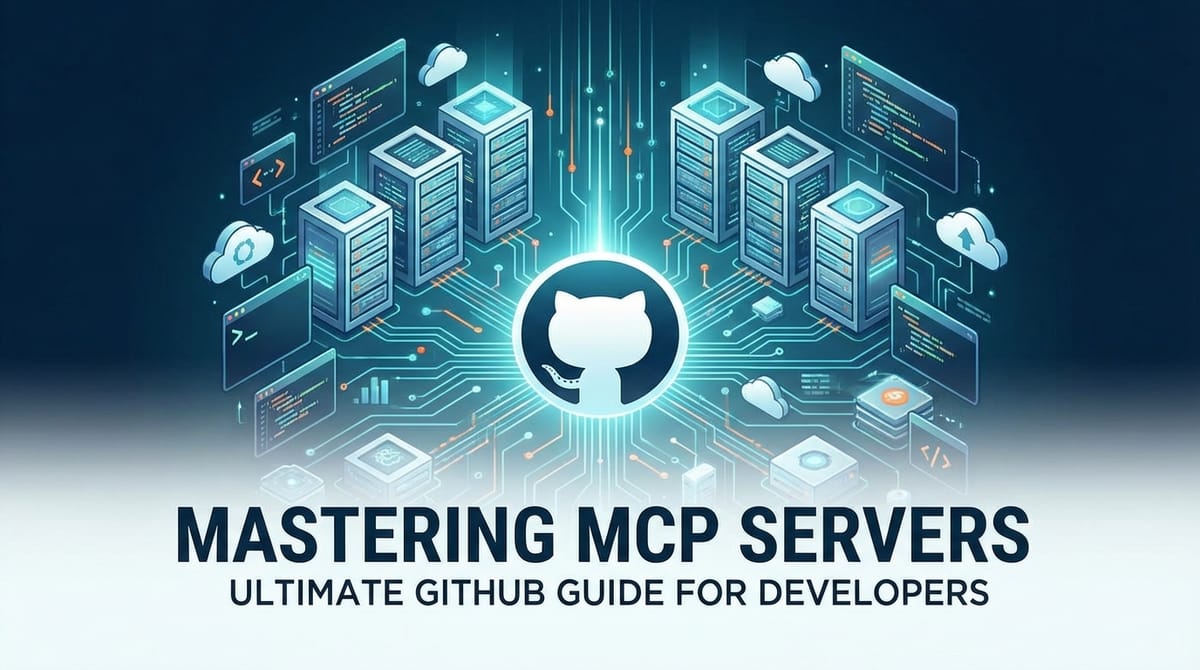
Build AI Agents With Incredible MCP
Introduction
Welcome to the comprehensive guide on mastering MCP (Model Context Protocol) servers for developers. In today's fast-paced tech world, efficient API integration platforms are a necessity. MCP servers have emerged as a game-changer, enabling seamless connectivity between AI agents and a vast array of real-world data sources. This guide will delve into the intricacies of MCP servers, their benefits, and how they can revolutionize your development process. By the end, you'll be equipped with the knowledge to harness the full potential of MCP servers in your projects.
What is MCP?
MCP, or Model Context Protocol, is a cutting-edge protocol designed to facilitate rapid and efficient data exchange between AI agents and various data sources. It serves as a bridge, connecting AI agents to thousands of real-world data sources and tools within minutes, thereby streamlining the development process.
Why MCP Servers?
MCP servers offer numerous benefits, making them an invaluable asset for developers:
- Faster Performance: MCP servers significantly reduce the time required to integrate data sources, allowing for quicker development cycles.
- Lower Costs: By simplifying the integration process, MCP servers can lead to reduced development costs and improved resource utilization.
- Superior User Experience: The minimal configuration required for MCP servers ensures a seamless and intuitive user experience.
Understanding MCP Servers
MCP Server Architecture
An MCP server is a centralized hub that facilitates communication between AI agents and external data sources. It acts as a mediator, processing requests from AI agents and returning the required data.
Key Components of MCP Servers
- API Gateway: Manages incoming requests from AI agents and routes them to the appropriate data source.
- Data Sources: The external systems or databases that provide data to the MCP server.
- Data Transformers: Convert data from the data source into a format that the AI agent can understand.
Setting Up an MCP Server
Step-by-Step Guide
- Choose an MCP Server Platform: Select a suitable MCP server platform, such as X-Pack.AI, which offers a powerful and easy-to-use MCP server solution.
- Configure the Server: Set up the MCP server by connecting it to your data sources and configuring the API gateway.
- Deploy the Server: Deploy the MCP server on your preferred hosting environment.
Example: X-Pack.AI
X-Pack.AI is a cutting-edge MCP platform that enables developers to quickly and easily connect their AI agents to thousands of real-world data sources. Its user-friendly interface and powerful features make it an excellent choice for developers looking to set up an MCP server.
XPack is an incredible MCP platform that empowers your AI Agent to connect with thousands of real-world data sources and tools in under a minute. Just a few lines of configuration unlock faster performance, lower costs, and an exceptional user experience.Try XPack now! 👇👇👇
Integrating MCP Servers with Your Projects
API Integration
Integrating an MCP server with your project involves connecting your AI agent to the MCP server and making API calls to retrieve data.
Example: Using MCP Server with a Python AI Agent
import requests

def get_data_from_mcp_server():
    url = "https://your-mcp-server.com/api/data"
    response = requests.get(url)
    data = response.json()
    return data

# Example usage
data = get_data_from_mcp_server()
print(data)
Best Practices for Using MCP Servers
1. Choose the Right Data Sources
Select data sources that are relevant to your project and provide valuable insights.
2. Optimize Performance
Regularly monitor and optimize the performance of your MCP server to ensure efficient data retrieval.
3. Security
Implement robust security measures to protect your data sources and prevent unauthorized access.
Case Studies
Case Study 1: Financial Institution
A financial institution used an MCP server to integrate data from various external sources, such as stock exchanges and credit bureaus. This allowed them to develop a more accurate credit scoring model and improve their risk assessment process.
Case Study 2: Healthcare Provider
A healthcare provider utilized an MCP server to connect their AI system with electronic health records and clinical trial databases. This facilitated the development of personalized treatment plans and improved patient outcomes.
Conclusion
MCP servers have revolutionized the way developers integrate data sources with their AI agents. By following this guide, you can master the art of using MCP servers to streamline your development process, reduce costs, and enhance performance. Embrace the power of MCP servers and take your projects to the next level.
FAQ
Q1: What is the primary benefit of using MCP servers?
A1: The primary benefit of using MCP servers is the ability to quickly and efficiently integrate data sources with AI agents, reducing development time and costs.
Q2: Can MCP servers be used with any programming language?
A2: Yes, MCP servers can be used with any programming language that supports making HTTP requests, such as Python, Java, or JavaScript.
Q3: How does an MCP server compare to other API integration platforms?
A3: MCP servers offer faster performance, lower costs, and a superior user experience compared to traditional API integration platforms.
Q4: Can MCP servers be used for real-time data processing?
A4: Yes, MCP servers are designed to handle real-time data processing, making them ideal for applications that require up-to-date information.
Q5: What is the role of X-Pack.AI in MCP server setup?
A5: X-Pack.AI is a powerful MCP platform that provides a user-friendly interface and powerful features, making it easier to set up and manage MCP servers.
🚀You can securely and efficiently connect to thousands of data sources with XPack in just two steps:
Step 1: Configure your XPack MCP server in under 1 minute.
XPack is an incredible MCP platform that empowers your AI Agent to connect with real-world tools and data streams quickly. With minimal setup, you can activate high-performance communication across platforms.
Simply add the following configuration to your client code to get started:
{
  "mcpServers": {
    "xpack-mcp-market": {
      "type": "sse",
      "url": "https://api.xpack.ai/v1/mcp?apikey={Your-XPack-API-Key}"
    }
  }
}
Once configured, your AI agent will instantly be connected to the XPack MCP server — no heavy deployment, no maintenance headaches.

Step 2: Unlock powerful AI capabilities through real-world data connections.
Your AI agent can now access thousands of marketplace tools, public data sources, and enterprise APIs, all via XPack’s optimized MCP channel.