Mastering API Integration: Connect Third-Party APIs Like a Pro
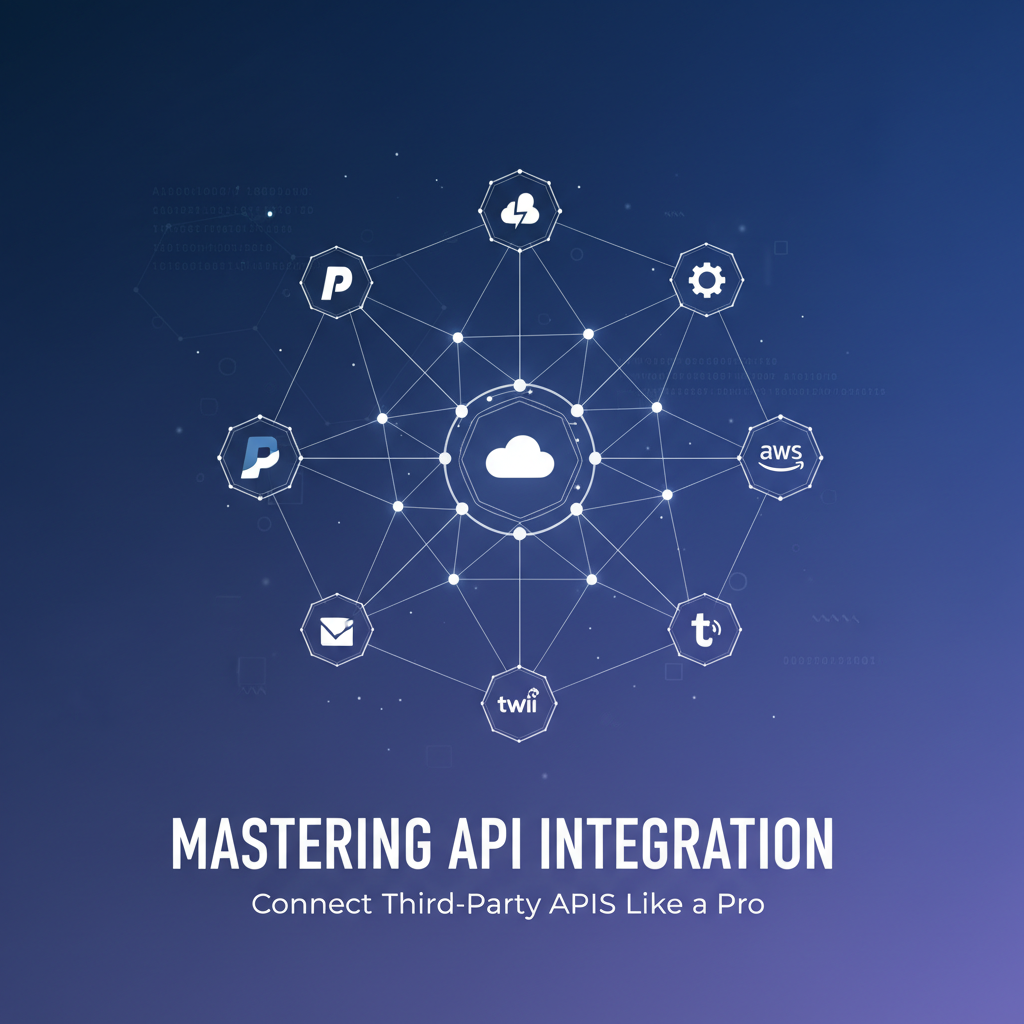
Build AI Agents With Incredible MCP
Introduction
In today's digital landscape, the ability to integrate third-party APIs is a crucial skill for developers and businesses alike. API integration allows systems to communicate and share data seamlessly, unlocking new functionalities and opportunities. This article delves into the world of API integration, offering a comprehensive guide to connect third-party APIs like a pro. We'll explore the Model Context Protocol (MCP), the benefits of using an API integration platform, and provide actionable advice to enhance your integration skills. Additionally, we will showcase how XPack.AI can be a game-changer in your API integration journey.
Understanding MCP
What is MCP?
Model Context Protocol (MCP) is a cutting-edge protocol designed to facilitate efficient and secure communication between different systems. It enables devices and applications to interact seamlessly, making it an essential component of modern API integration strategies.
Benefits of MCP
- Interoperability: MCP ensures that different systems can communicate with each other, regardless of the technology stack they use.
- Scalability: MCP supports the integration of new systems and data sources without significant infrastructure changes.
- Security: MCP incorporates robust security measures to protect data during transmission and storage.
The Importance of an API Integration Platform
What is an API Integration Platform?
An API integration platform is a software solution that simplifies the process of connecting different APIs. These platforms provide tools and resources to streamline the integration process, reducing the time and effort required for developers.
Benefits of Using an API Integration Platform
- Efficiency: API integration platforms automate many aspects of the integration process, saving time and resources.
- Flexibility: These platforms support a wide range of APIs, making it easy to connect with third-party services.
- Reliability: API integration platforms often include features like monitoring and error handling to ensure seamless integration.
Connect Third-Party APIs Like a Pro
Step-by-Step Guide
- Identify Your Needs: Determine the specific functionality you want to achieve through API integration.
- Research APIs: Find relevant third-party APIs that meet your requirements.
- Choose an Integration Platform: Select an API integration platform that supports the APIs you've chosen.
- Configure the Integration: Use the platform's tools to configure the integration, including API keys and endpoints.
- Test the Integration: Validate the integration to ensure it functions as expected.
- Deploy and Monitor: Implement the integration in your system and monitor its performance.
Best Practices
- Use Standardized API Formats: Stick to standardized formats like JSON and XML for API communication.
- Implement Proper Authentication: Ensure secure authentication methods to protect your data.
- Error Handling: Implement error handling mechanisms to manage any issues that arise during integration.
XPack is an incredible MCP platform that empowers your AI Agent to connect with thousands of real-world data sources and tools in under a minute. Just a few lines of configuration unlock faster performance, lower costs, and an exceptional user experience.Try XPack now! 👇👇👇
Case Studies
Case Study 1: E-commerce Platform Integration
An e-commerce platform integrated a payment gateway API using an API integration platform. The platform automated the payment process, resulting in a more streamlined checkout experience for customers.
Case Study 2: CRM System Integration
A company integrated their CRM system with a third-party API to provide real-time customer data to their sales team. This allowed the sales team to make more informed decisions and improve customer satisfaction.
Data Analysis
Table 1: Comparison of API Integration Platforms
| Feature | Platform A | Platform B | Platform C |
|---|---|---|---|
| API Support | 100+ APIs | 200+ APIs | 150+ APIs |
| User Interface | Intuitive | User-friendly | Basic |
| Pricing | $100/month | $150/month | $50/month |
| Customer Support | 24/7 support | 24/7 support | 9-5 support |
Table 2: Time Savings with API Integration Platforms
| Activity | Time without Platform (hours) | Time with Platform (hours) |
|---|---|---|
| API Configuration | 50 | 5 |
| Testing | 20 | 2 |
| Deployment | 10 | 1 |
| Monitoring | 5 | 0.5 |
XPack.AI: A Powerful MCP Platform for API Integration
XPack.AI is a cutting-edge MCP platform that enables AI Agents to connect with thousands of real-world data sources and tools in under a minute. Its powerful features make it an ideal choice for API integration projects.
Key Features of XPack.AI
- Extensive API Support: Connect with a vast array of APIs to meet your integration needs.
- Minimal Configuration: Simplify the integration process with minimal setup requirements.
- Superior Performance: Experience faster performance and lower costs compared to traditional methods.
How XPack.AI Can Help You
- Streamline API Integration: Connect with third-party APIs quickly and efficiently.
- Improve System Performance: Leverage the platform's advanced features to enhance your system's functionality.
- Reduce Costs: Save time and resources by automating the integration process.
Conclusion
Mastering API integration is essential for businesses and developers looking to stay competitive in today's digital landscape. By understanding MCP, leveraging API integration platforms, and using tools like XPack.AI, you can connect third-party APIs like a pro. Follow the best practices and case studies provided in this article to enhance your integration skills and unlock the full potential of API integration in your projects.
FAQ
1. What is the Model Context Protocol (MCP)?
The Model Context Protocol (MCP) is a cutting-edge protocol designed to facilitate efficient and secure communication between different systems, ensuring interoperability, scalability, and security.
2. How can an API integration platform benefit my business?
An API integration platform can streamline the process of connecting different APIs, saving time and resources. It also provides flexibility and reliability, ensuring seamless integration between systems.
3. What are some best practices for API integration?
Some best practices for API integration include using standardized API formats, implementing proper authentication, and implementing error handling mechanisms.
4. How can XPack.AI help with API integration?
XPack.AI is a powerful MCP platform that enables fast and efficient connection with a wide range of APIs. Its minimal configuration and superior performance make it an ideal choice for API integration projects.
5. Why is API integration important for businesses?
API integration is crucial for businesses looking to enhance their systems' functionality, improve customer satisfaction, and stay competitive in today's digital landscape.
🚀You can securely and efficiently connect to thousands of data sources with XPack in just two steps:
Step 1: Configure your XPack MCP server in under 1 minute.
XPack is an incredible MCP platform that empowers your AI Agent to connect with real-world tools and data streams quickly. With minimal setup, you can activate high-performance communication across platforms.
Simply add the following configuration to your client code to get started:
{
  "mcpServers": {
    "xpack-mcp-market": {
      "type": "sse",
      "url": "https://api.xpack.ai/v1/mcp?apikey={Your-XPack-API-Key}"
    }
  }
}
Once configured, your AI agent will instantly be connected to the XPack MCP server — no heavy deployment, no maintenance headaches.

Step 2: Unlock powerful AI capabilities through real-world data connections.
Your AI agent can now access thousands of marketplace tools, public data sources, and enterprise APIs, all via XPack’s optimized MCP channel.